
AI Inventory Management and Governance
Shadow AI Got You Down?
When teams reach for whatever tool is closest, models end up in production with no owner, no documentation, and no audit trail. In finance, insurance, and healthcare, that isn't a productivity problem — it's an examination risk. gravityAI puts every model behind the same front door.
Governance built in, not bolted on
Documented
Every model ships with a structured model card covering its business case, risk and compliance posture, and how to run it. No model reaches the catalog without its paperwork.
Approved
Nothing goes live on one person's say-so. Submissions route to an independent reviewer, get an explicit approve or reject with a written reason, and carry that decision on the record.
Controlled
Access is gated on two independent axes and a four-tier cascade — so the right people see the right models, and everyone else doesn't. Down to the feature, down to the team.
Model Cards
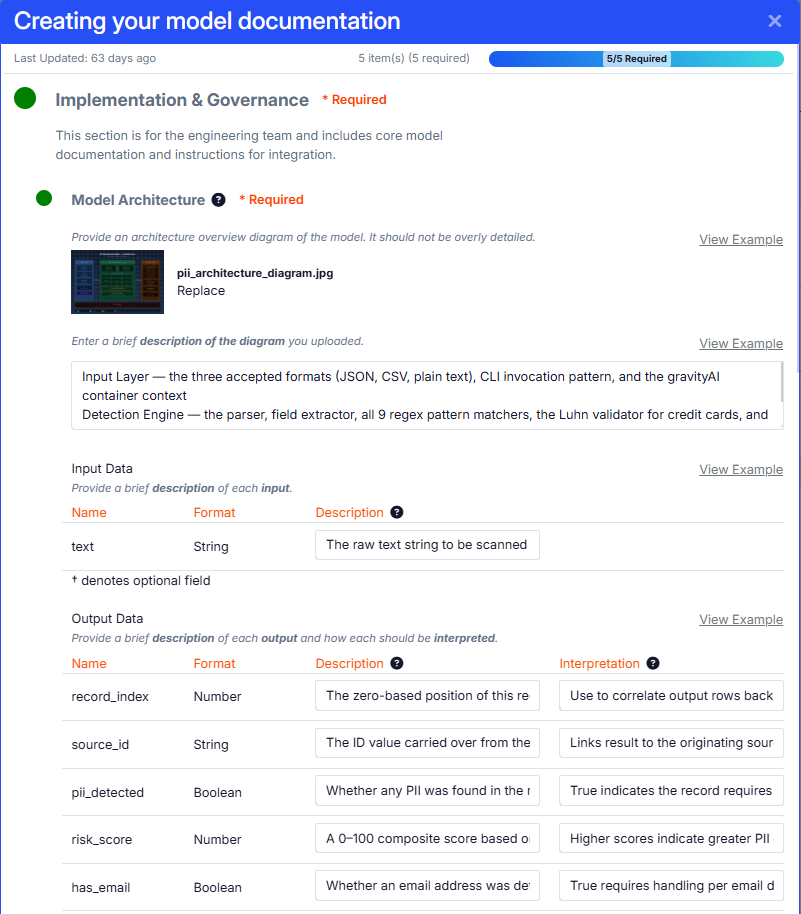
A gravityAI model card is a structured record built for the three people who always ask questions: the buyer who wants to know if it fits, compliance who wants to know if it's safe to deploy, and the engineer who has to run it. Business case, ROI, and anti-patterns. Black-box status, PII exposure, and privacy risk. Architecture, explainability, performance, and hardware. The card is required to publish — so the documentation exists before the model does, not after an auditor asks for it.
Approval Workflow
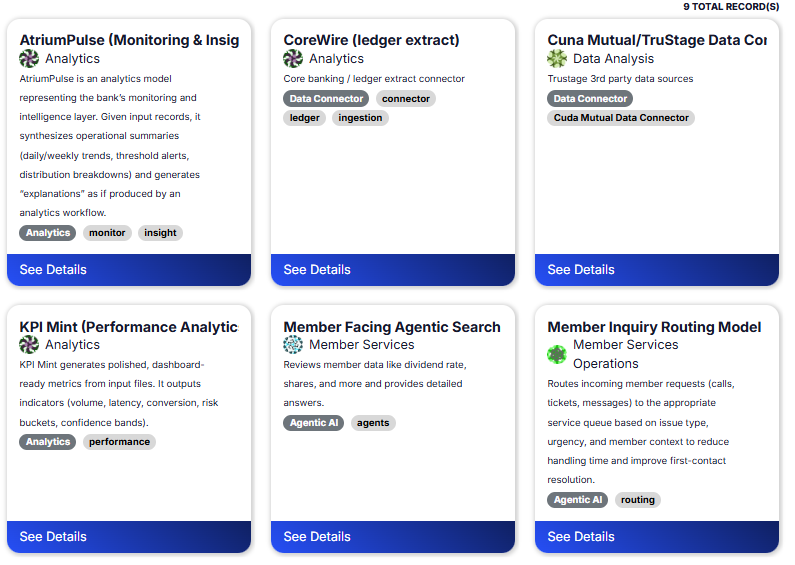
A team can't approve its own work. When a version is submitted, it moves into an independent reviewer's queue — a tenant administrator, never the author — and comes back Approved or Rejected with a written reason on the record. Rejected versions get fixed and resubmitted as a new revision, so the whole history is traceable. Two gates catch two different problems: the author's checklist catches missing documentation, the reviewer catches misleading documentation. Both have to pass before anything can be listed.
Access Control
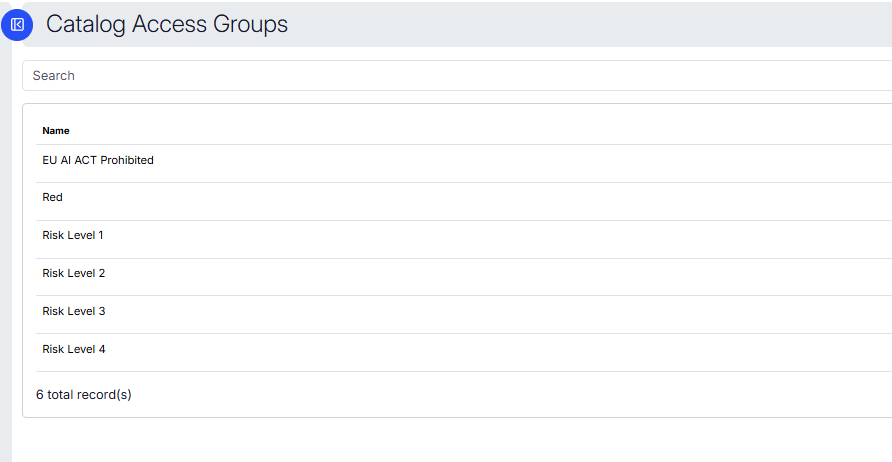
Visibility runs on two independent axes — inside a team, and across the tenant catalog — and passes through a four-tier cascade from system to tenant to team to user. Any tier can deny. Roles then decide what each person can actually do with what they can see. The result: a member of one team can be handed exactly the models their work requires, while a regulated model stays invisible to everyone outside its blast radius — without spinning up a separate deployment for every access rule.
Risk Dashboard
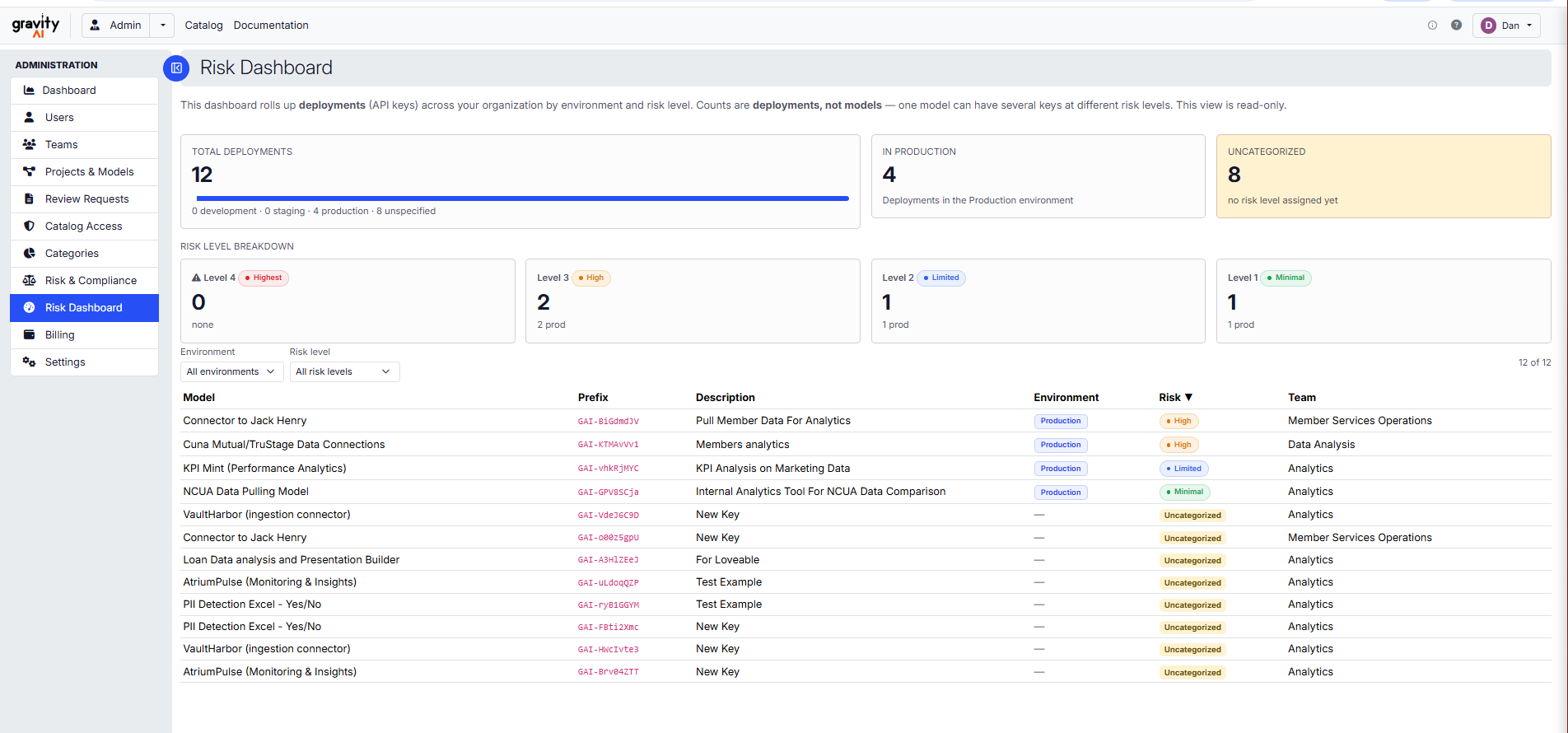
The Risk Dashboard rolls up every deployment across your organization by environment and risk level — production, staging, development — and flags what's still uncategorized. Counts are deployments, not models, because one model can hold several keys at different risk levels, and governance lives at the key. It's the read-only view a CRO or an examiner can look at without a walkthrough: here's what's in production, here's what's high-risk, here's what still needs a risk level assigned.